Server Information
The auto-restart and manor schedule, plus the support rules: when the staff fix the consequences of a failure, and when the decision is the player's own.
On this page
# Server launch
L2 After Work opened on September 18, 2026. This is the release, not an open beta. Every Friday the server launches a new bonus start - September 25, October 2 and weekly after that.
# Server auto-restart
- Schedule
- Daily at 05:00
- Countdown
- 30 minutes
- Total restart time
- ~05:30
# Day and night
A game day lasts 4 real hours. Night is from 00:00 to 06:00 game time: that is the first hour after 00:00, 04:00, 08:00, 12:00, 16:00 and 20:00 server time (UTC+3). The other 3 hours are day. The «/time» command shows the game time. The time of day decides who is out in the world and where you are let in.
| What | At night | During the day |
|---|---|---|
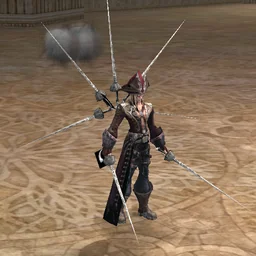 Nighttime «Zaken»instance entry (Zaken) Nighttime «Zaken»instance entry (Zaken) |
Entry open | Entry closed |
Daytime «Zaken» 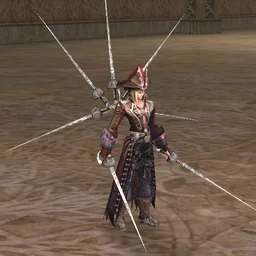 and hard daytime «Zaken» and hard daytime «Zaken»  - instance entry - instance entry |
Entry closed | Entry open |
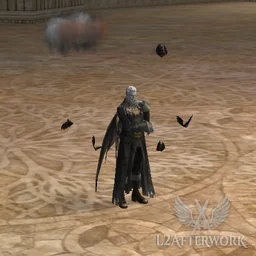 Raid boss «Eilhalder von Hellmann»«Forest of the Dead» Raid boss «Eilhalder von Hellmann»«Forest of the Dead» |
Present if the respawn time has come | Absent: vanishes at dawn and returns the next night |
| Monsters: «Forest of the Dead» | Night set, for example «Resurrected Guard» 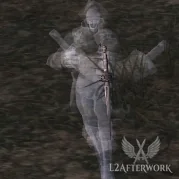 |
Day set, for example «Corrupted Knight» 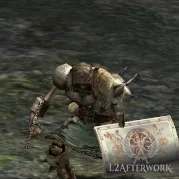 |
| NPC: «Forest of the Dead» | 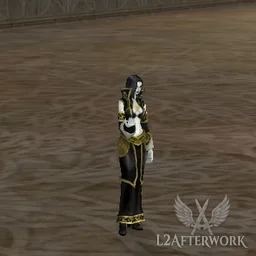 «Lidia's Maid» «Lidia's Maid» |
«Violet» 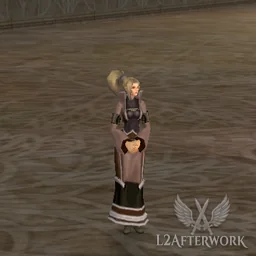 , «Kurstin» , «Kurstin» 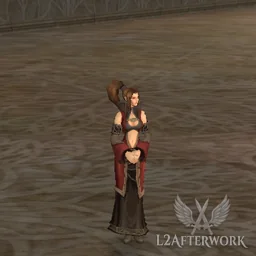 , «Mina» , «Mina» 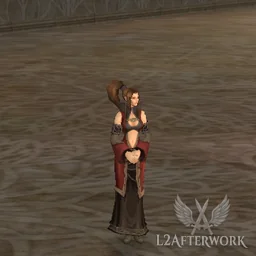 , «Dorian» , «Dorian» 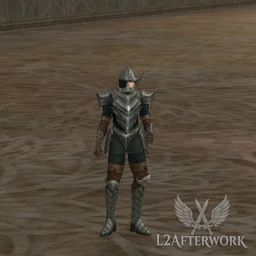 |
Heathens: «Heathen Warrior»  , «Heathen Executed» , «Heathen Executed» 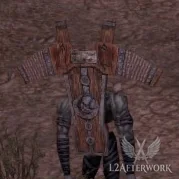 , «Heathen Archer» , «Heathen Archer» 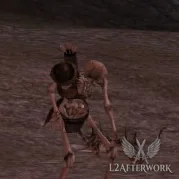 , «Heathen Grunt» , «Heathen Grunt» 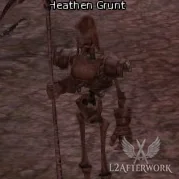 , «Heathen Knight» , «Heathen Knight» 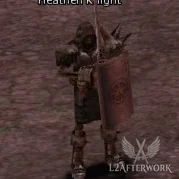 |
Appear | Absent |
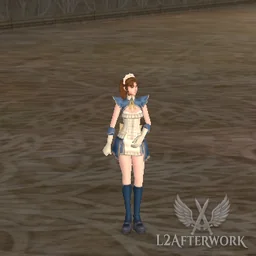 «Misa»quest The Other Side of Truth «Misa»quest The Other Side of Truth |
Present | Absent |
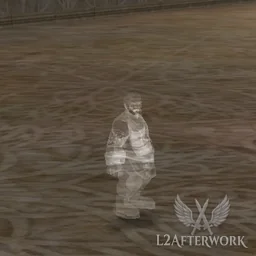 «Ghost of a Railroad Engineer»quests A Broken Dream and The Ocean of Distant Stars «Ghost of a Railroad Engineer»quests A Broken Dream and The Ocean of Distant Stars |
Present | Absent |
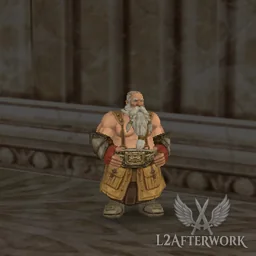 «Shadai» «Shadai» |
On Hellbound | Not on Hellbound |
|
Fish bite | Fish do not bite |
| The accuracy bonus applies | Does not apply | |
«Heat of Desert»  - desert areas, «Hellbound» - desert areas, «Hellbound» |
Does not apply | Drains HP until you drink «Caravaner's Remedy»  |
| Chance to hit with a regular attack | 10% lower for everyone | No penalty |


# Multi-window
- Window limit
- 4 windows at once from one computer (by HWID)
- If there are more windows
- A fifth window won't enter the game: after choosing the server, a message will appear saying the maximum number of windows is already open from this computer. Close one of the windows and log in again.
- Offline trade
- A character left in offline trade doesn't occupy a window.
- Auto-farm limit
- 2 windows at a time (per HWID)
# Disconnect protection
- Status
- Enabled
- Wait time
- 120 seconds
- Description
- On disconnect the character stays in the world, giving time to reconnect
- Autofarm
- Turns off on disconnect; switch it back on after you reconnect
- Grand Bosses have it
- In the lair of «Antharas»
 , «Valakas»
  and «Baium»
  : if you got disconnected, pressed «Restart» or logged out and came back within 30 minutes, you stay in the lair. Away for more than 30 minutes - on login you are moved to the nearest town.
 - At «Sailren»
- Any login in the lair of «Sailren»
 , even right after a disconnect, moves you to town, and the Statue won't let you back in while your party is inside: entry to Sailren.
# Additional inventory
- Status
- Enabled for everyone, nothing to configure
- When it triggers
- When the main inventory is 90 % full or more (by slots, equipped items count), every new single item - a purchase, including from a private store, a drop, a reward, a craft, a warehouse withdrawal - goes into the extra inventory instead of the main one.
- Mail and trades
- Exceptions: a letter whose items will not fit into the main inventory is not delivered and stays in the mailbox, and a trade is cancelled. The chat and the screen show the number of slots to free; in a trade both sides see the reason.
- Always into the main one
- Stackable items (Adena, shots, scrolls, crystals), quest items and pet summoning items. Items with a lifetime (runes and others) also always go into the main inventory, even if there is no room: a rune does not work in the extra inventory, but its time keeps running.
- How to tell
- A message with the fill percentage appears in chat and on screen: "Inventory is 93% full (74/80): … was placed in the additional inventory."
- How to retrieve it
- Command .cfg → the «Extra Inventory» button at the very top of the window → a withdrawal window opens, like the warehouse's: move the items into your main inventory. The additional inventory holds as much as the main one; once it's also 90% full, the usual "no space" rule applies.
# Auto-merge talismans
- Status
- Enabled
- How it works
- When a talisman is added to inventory (picked up, bought, traded), identical talismans automatically merge into one item — the remaining resource (mana / lifetime) is summed.
- Equipped talisman
- If an identical talisman is equipped, it stays equipped in its slot: the others' time is added to it and the effect is not lost.
- Why
- No need to manually merge duplicates — inventory stays clean, and the resource is always stored on a single item.
- Manually
- The .combine (or .combinetalismans) command merges identical talismans that are already in your inventory.
# Manors (Manor)
The castle Manor system runs in standard High Five mode: castle owners set crops and prices for buying seeds and harvests; players grow crops on mobs and turn them in at the castle. The update schedule is fixed — easy to plan your seed purchases and crop deliveries.
- Manors
- Enabled
- Production update (new period)
- Daily at 20:00
- Price approval for the next period
- Daily at 06:30
- Manor maintenance
- ~6 min
# Support and the player's responsibility
We value every player — that is why the support rules are the same for everyone, including those who have supported the project with a donation. Whatever can be done in the game, the player does themselves and is responsible for it, and the staff step in when the server is at fault. These rules are part of the User Agreement (section 8) you accept when entering the game, and of the Terms of Service on the website.
- Player's own mistake
- Not fixed. The staff do not roll back characters, do not manually change the profession or subclasses, and do not grant or restore levels, experience, items, Adena or «Coin of Luck» — even if the action was accidental
- Bug or server failure
- We fix it. We check the logs and restore what was lost because of the failure
- The service did not work as its description says
- We fix it. Replaced the wrong class, did not work at all, took the payment without a result — we restore the character or refund the payment
- The service worked as described, but you expected something else
- Not a failure, no compensation. A service's description in the game and in the Wiki is exactly how it works — read it before you click
- The final word
- Server logs
- Where to write
- A ticket in your account on the site: it's how every bug, failure and character problem gets handled. You can send a private message to staff on Telegram, Discord or in the game for something urgent or a quick clarification, but a fast reply there isn't guaranteed, and the issue still gets resolved through a ticket
- What to include in the ticket
- Character name, approximate server time, what happened, a screenshot
- Buying outside the official donations
- Not possible: the staff never sell anything in private messages. An offer "on behalf of the admin" is a scam — report it in a ticket